
 Image 1 of 4
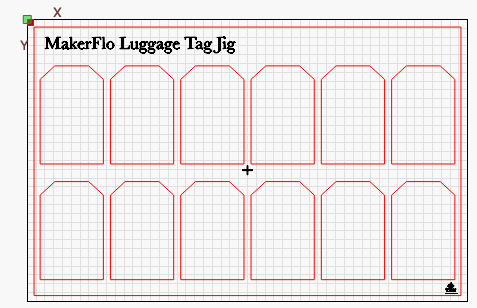 Image 2 of 4
 Image 3 of 4
 Image 4 of 4
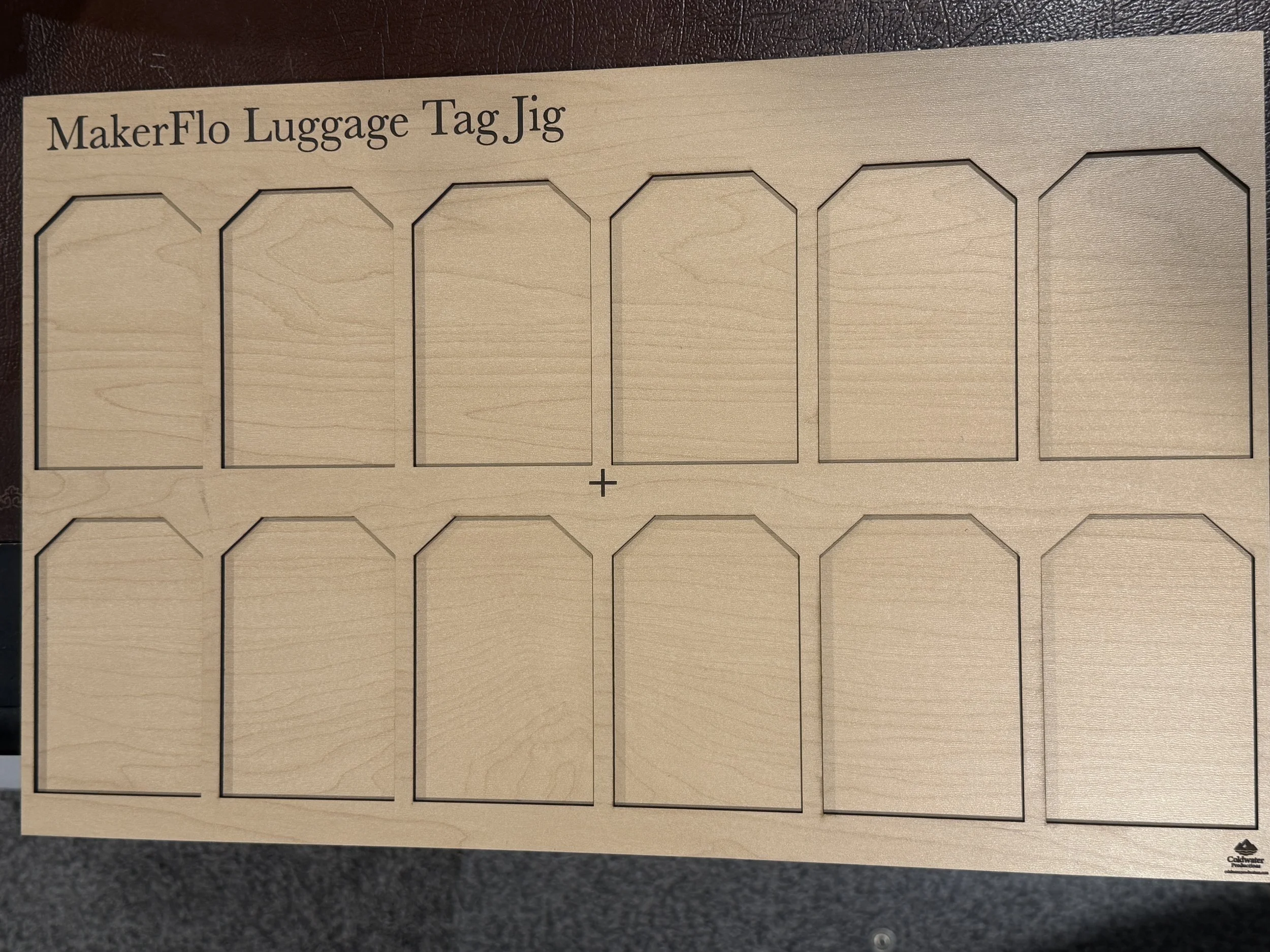
Engrave 12 luggage tags at once, perfectly lined up every time. This laser jig SVG gives you a 12" x 18" batch template with precise registration points, so you can drop in your blanks or sheet stock and run a full set without re-aligning between tags. It’s built for makers filling personalized luggage tag orders, wedding favors, and travel gift batches.
What’s included
12" x 18" luggage tag jig layout holding 12 tags per run
Cut outlines plus registration and anchor points for fast, repeatable placement
Even spacing between tags to cut waste and simplify finishing
SVG, DXF, and PDF files that work with LightBurn, xTool Creative Space, and most laser software
How to use it
Import the file into your laser software and position it on your bed.
Secure your material over the registration points, using tape or hold-downs as needed.
Engrave and cut with your usual settings, then pop out and finish each tag.
Great for
Custom luggage tags, bag tags, wedding and bridesmaid favors, family travel sets, corporate gifts, and small-batch Etsy or craft fair orders. It works with 1/8" (3 mm) to 1/4" (6 mm) wood, acrylic, and other laser-safe materials.
Please note
This is an instant digital download, and no physical item ships.
The license covers personal and small-batch commercial use. Please don’t resell or share the file itself.
Run a test piece first to dial in speed and power for your machine and material.
Engrave 12 luggage tags at once, perfectly lined up every time. This laser jig SVG gives you a 12" x 18" batch template with precise registration points, so you can drop in your blanks or sheet stock and run a full set without re-aligning between tags. It’s built for makers filling personalized luggage tag orders, wedding favors, and travel gift batches.
What’s included
12" x 18" luggage tag jig layout holding 12 tags per run
Cut outlines plus registration and anchor points for fast, repeatable placement
Even spacing between tags to cut waste and simplify finishing
SVG, DXF, and PDF files that work with LightBurn, xTool Creative Space, and most laser software
How to use it
Import the file into your laser software and position it on your bed.
Secure your material over the registration points, using tape or hold-downs as needed.
Engrave and cut with your usual settings, then pop out and finish each tag.
Great for
Custom luggage tags, bag tags, wedding and bridesmaid favors, family travel sets, corporate gifts, and small-batch Etsy or craft fair orders. It works with 1/8" (3 mm) to 1/4" (6 mm) wood, acrylic, and other laser-safe materials.
Please note
This is an instant digital download, and no physical item ships.
The license covers personal and small-batch commercial use. Please don’t resell or share the file itself.
Run a test piece first to dial in speed and power for your machine and material.